

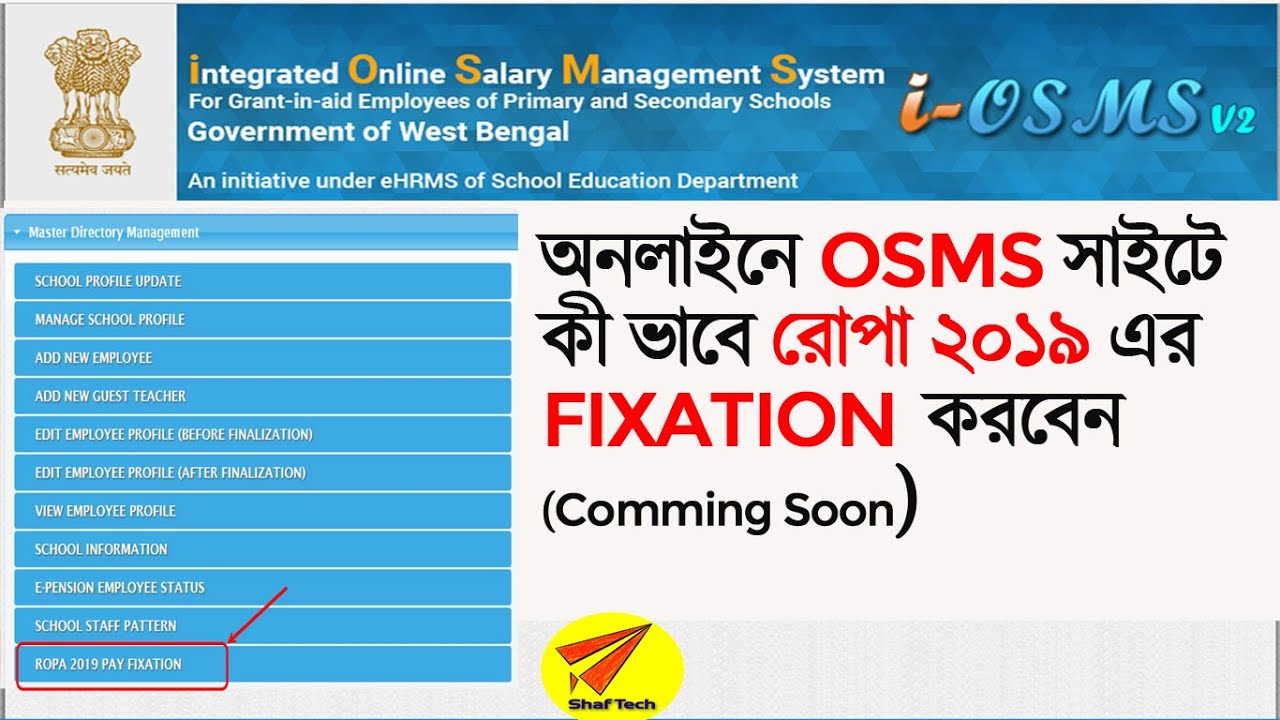
 SMS ওয়েবসাইটে কি ভাবে রোপা ২০১৯ এর ফিকসেশন করবেন
 A STEP BY STEP GUIDE - ROPA-2019 : OPTION & PAY FIXATION AT OSMS
How to submit ONLINE fixation on OSMS website for Teacher in West Bengal
STEP – 1 : Under Master Directory Management - ROPA 2019 PAY FIXATION
STEP – 2 : The next screen will be
STEP – 3 : The next screen will be
STEP – 4 : Carefully fill up pay details from January 2016 till December 2019
Please
Please note for first row reason is CHANGE OF ROPA, Select Pay Scale, give Band Pay, Select Grade
Pay and AGP (if any). Check calculated Basic Pay with your record. Revised Pay & Pay level under
ROPA-2019 will be auto calculated by the system.
STEP – 5 : Click + button under Action to add more row.
Give Date using calendar, Select Reason as under
1. Annual Increment (for usual increment @3% on previous BP)
2. 10/20 yr Increment (for 1 additional increment @3% on previous BP)
3. Promotion / 18 yr Increment (1 additional increment on previous pay and enhancement of Pay Scale & GP)
4. Upgradation (for enhancement of Pay scale & GP only, no increment)
For cases 1 & 2 above system will auto calculate existing BP & revised BP
For case 3 system will auto calculate Band Pay, modified Pay scale & GP to be selected.
For case 4 modified Pay Scale & GP to be selected
Key: online pay fixation 2019 , online option of ropa 2019, Fixation of Pay ROPA 2019, ROPA 2019 Salary Calculator for West Bengal ,


![[ FR ] FIFA 20 FUT CHAMPIONS TEAM LOW COST](https://lh3.googleusercontent.com/blogger_img_proxy/AEn0k_vPgXgX5468yS0fQA6R3qQXJKZHQB2Nn2Vqz0LM5XxU9T0o1VKHBeFAoHNnOJ26eIhcAxx3rHpC45G9akaKszBVQx26IoISFaUU0BGmH7s0fAIvFg=w680)


0 Comments